The website is the front door. The systems are the building.
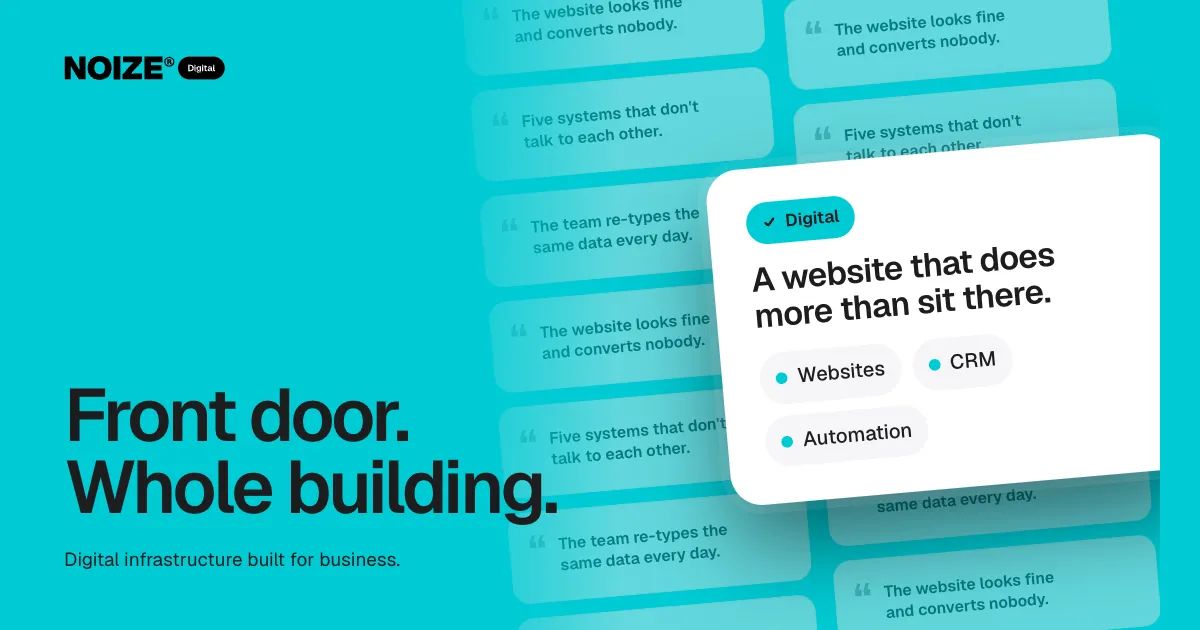
The website looks fine and converts nobody. Five systems don't talk to each other. The team re-types the same data every day.
Most businesses judge their website by how it looks. Customers judge it by what happens when they try to do something: book, buy, enquire, find an answer. And the business feels it in everything that happens after the click, when an enquiry lands in an inbox, gets copied into a CRM, then into a quote, then into the accounting software, by hand.
The website is the front door. The systems behind it are the building. This guide walks through what a business needs at each layer, in the order we usually build it.
The short version
- Strong business systems behind the website are what turn visits into customers.
- A website is only as good as the systems behind it.
- Build in order: decide the site's job, build a fast and clear front door, connect enquiries to a CRM, connect the CRM to quoting and accounting, automate the repetitive work, look after it properly, and only then spend heavily on traffic.
- Doing it in that order means each step makes the next one cheaper.
Step 1: Decide what the website is for
Before design, decide the job. Is the site there to generate enquiries, take bookings, sell products, support existing customers, or recruit? Most sites try to do all of them and do none well.
Pick the one or two jobs that matter most and make every page serve them. A services business might want qualified enquiries. An ecommerce business wants completed checkouts. A clinic wants bookings. The job decides the structure, the content and the calls to action.
Step 2: Build the front door properly
A website that works is fast, clear and easy to act on. Each page answers the visitor's question quickly and gives them one obvious next step. It looks like the brand, because Creative and Digital build it from the same system. It is built on solid SEO foundations so it can be found. And it works on a phone first, because that is where most visitors arrive.
None of this is about decoration. A plain, fast page that answers the question will outperform a beautiful page that hides it.
Step 3: Connect the enquiry to the CRM
Every enquiry should create a record automatically, with the source, the details and the next action attached. No copying from an inbox. No sticky notes. No leads lost because someone was on leave.
This is where Digital and Sales meet. Sales designs the pipeline stages and follow-up rhythm. Digital connects the website, forms and booking tools so the pipeline fills itself.
Step 4: Connect the CRM to everything else
Once the customer exists in one place, connect the rest. Quotes and proposals pull customer details from the CRM. Accepted quotes create invoices in Xero. Invoices create jobs. Jobs appear in the calendar. Payments update the record.
Integrations are what stop a business running on spreadsheets. They also stop the slow drift where the same customer is J. Smith in one system, John Smith in another and Jon Smyth in a third.
> I've built ecommerce businesses where the biggest gain didn't come from more traffic. It came from removing the four manual steps between an order and a shipped parcel. The customers never saw the change. They just got their orders faster, and the team got their afternoons back.
Step 5: Automate the repetitive work
With systems connected, automation handles the rest: welcome emails, reminders, follow-ups, review requests, internal notifications, reporting. Start with the tasks the team does most often and enjoys least. Those are usually the ones with the clearest return.
AI fits here too, used carefully. Answering common enquiries, drafting documents and searching internal knowledge are practical starting points. The rule is simple: test small, measure, and keep control of your data.
Step 6: Look after it
A website and its systems are never finished. Domains renew. Plugins need updates. Certificates expire. Backups need testing. Access needs managing when staff come and go.
This is where many websites quietly fail. The build is handed over and the looking after becomes nobody's job. Inside NOIZE, Digital hands the systems to IT to look after, so hosting, security and access stay managed long after launch day.
Step 7: Bring the traffic
Only now does it make sense to spend heavily on traffic. With a site that converts and systems that follow up, every dollar Marketing spends works harder. Landing pages are built for specific campaigns. Results are measured from the ad to the sale, not just to the click.
“Exceeded our expectations in terms of quality, design and timeframe.”
Why order matters
Many businesses do these steps backwards. They spend on ads, then realise the website doesn't convert, then rebuild the website, then discover the enquiries are being lost in an inbox. Each fix is paid for twice.
Building in order means each step makes the next one cheaper and more effective. It is also why Digital works best as part of a group: the brand comes from Creative, the pipeline from Sales, the support from IT and the traffic from Marketing, all working to the same plan.
Build it properly. Digital infrastructure built for business. See digital.noize.com.au.
Signs your website is just sitting there
The site hasn't produced a measurable enquiry this month. Nobody on the team can say how many visitors became customers. Enquiries arrive in a shared inbox and get forwarded by hand. The contact form was last tested at launch. Updates require a developer for every small change. Pages load slowly on a phone.
Any one of these is fixable. Several together usually mean the website was built as a brochure, not as part of how the business runs.
What to bring to a digital scoping conversation
Tell us what the platform needs to do and what it needs to connect to. A list of the tools you use today, the steps an enquiry or order goes through, and the tasks the team repeats most often is enough to start. From there we scope the build in stages, so the most valuable parts go live first.
Related reading
Common questions
Why does my website get traffic but no enquiries?
Usually because the pages don't answer the visitor's question quickly, or the next step isn't obvious. Sometimes enquiries are arriving but getting lost because the form isn't connected to anything.
What is a CRM and do I need one?
A customer relationship management system keeps every lead and customer in one place with their history and next action. If more than one person handles enquiries, you need one.
Which systems can you connect?
Common ones include websites, CRMs, booking tools, Xero, email platforms and ecommerce platforms. We scope integrations around the tools you already use.
Who looks after the website after launch?
NOIZE IT can manage hosting, updates, backups and access, so the site keeps working and stays secure.
Should we rebuild the website or fix the one we have?
It depends on the platform and how far it is from what the business needs. If small changes need a developer and nothing connects to your other systems, a rebuild is usually cheaper over time. If the foundations are sound, targeted fixes to speed, structure and forms can make a large difference quickly.
Your first strategy conversation is on us.
Have a chatThe brand for business.